
1Paste your caption or hashtags
2Copy the clean result
The Hashtag Manager keeps your hashtags ready and gives you a fresh set for every post.
Try it free for 7 days with a free Patreon account.
Try the Hashtag Manager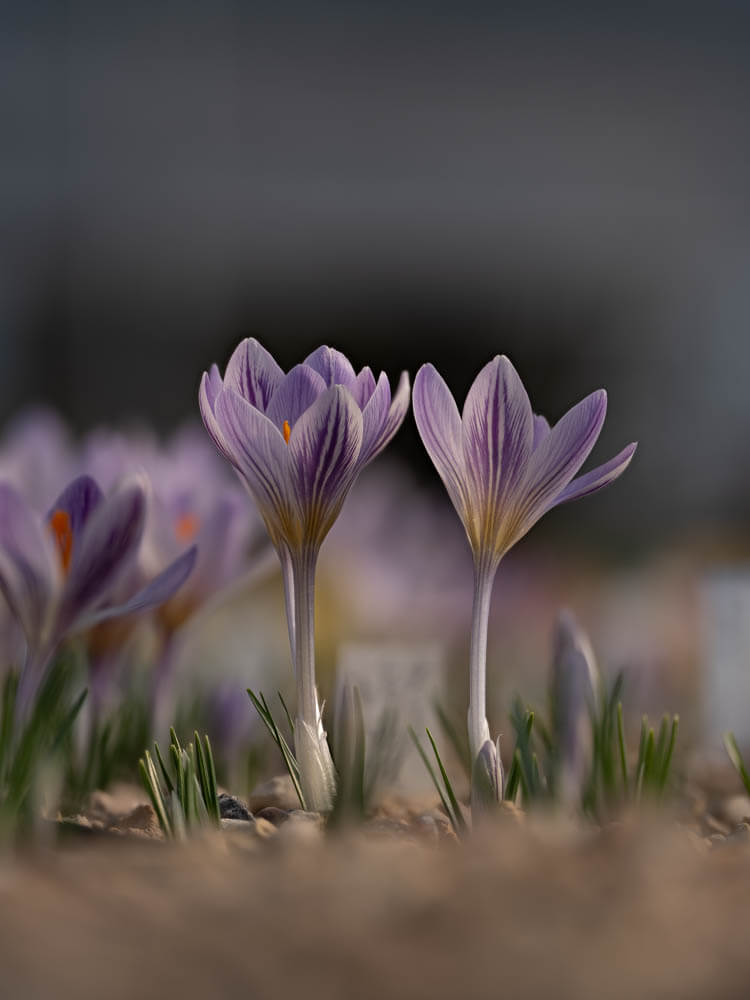
 RAW
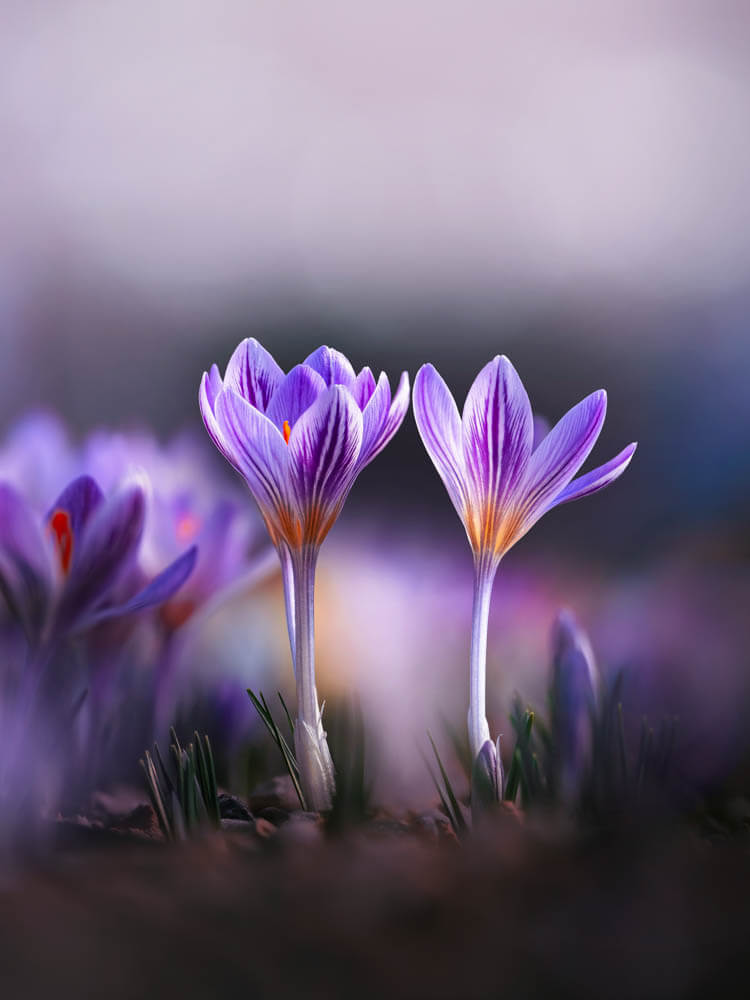
EDITED
RAW
EDITED
Edit your flower photos like this
Soft, dreamy, moody, or vibrant: my Lightroom presets are made for flower and macro photography. Start with the free Spring Vibes pack.
How to remove duplicate hashtags
- 1Paste your caption or hashtag list.
- 2Keep Remove duplicate hashtags only selected to preserve your caption text.
- 3Click Remove Duplicates.
- 4Review the cleaned text and copy the result.
Questions
Are uppercase and lowercase hashtags treated as duplicates?
Yes. For example, #Macro and #macro are treated as the same hashtag, so you can clean lists assembled from several saved sets.
Will my caption text and line breaks stay intact?
With hashtag-only mode selected, the tool keeps your caption text and line breaks while removing repeated hashtags.
Can I clean hashtags for Instagram comments?
Yes. Paste your comment's hashtag list and copy the cleaned result. You can also use the tool to prepare hashtags for a post caption.
Can I remove repeated words too?
Yes. Turn off Remove duplicate hashtags only to remove repeated words as well. This can be useful for keyword lists. Keep hashtag-only mode selected for ordinary captions, where repeated words may be needed.
Does this tool choose the best hashtags?
It removes duplicates from the tags you provide. It does not rank hashtags, predict reach, or generate a new set.
What is Duplicate Hashtag Remover?
This tool helps you clean up your text by removing duplicate words and hashtags. Whether you're working with Instagram hashtags, keywords, or any text content, it ensures each word appears only once in your final output.
How it works
Simply paste your text into the input field and click "Remove Duplicates". The tool will analyze your text, remove any duplicate words (regardless of case), and show you the cleaned result. It's perfect for social media managers, content creators, and anyone who needs to ensure their text contains no unintended duplicates.
Why use Duplicate Hashtag Remover?
Instagram has strict limits on posts: 30 hashtags maximum and 2,200 characters for captions. When crafting long captions or combining multiple sets of hashtags, it's easy to exceed these limits or accidentally include duplicates. This tool helps you:
- Safely clean your Instagram captions while preserving their formatting
- Remove only duplicate hashtags, leaving your main text untouched (with hashtag-only mode)
- Clean up regular text content by removing all duplicate words (when hashtag-only mode is disabled)
- Stay within Instagram's hashtag count and caption length limits with automatic warnings
- Save time by instantly processing any length of text
With the "Remove duplicate hashtags only" option enabled by default, you can safely paste entire captions without worrying about your main text being altered. When disabled, the tool can help clean up any text by removing all duplicate words - perfect for articles, essays, or other content where word repetition should be minimized.
Key features
- Case-insensitive duplicate detection for both hashtags and regular words (#Nature and #nature are treated as the same)
- Smart hashtag-only mode that preserves caption formatting
- Instagram limit warnings (30 hashtags, 2,200 characters)
- Preserves original formatting and newlines
- Instant statistics about removed duplicates
- Simple copy-to-clipboard functionality
- Free to use for everyone