
1Choose a photo
Or drop it here. JPG, PNG or WebP
2Pick the size and quality
Lower quality makes a smaller file. 85-92% looks the same as the original on most photos
3Download your photo
The new file is bigger than your photo. Pick a lower quality or a smaller size
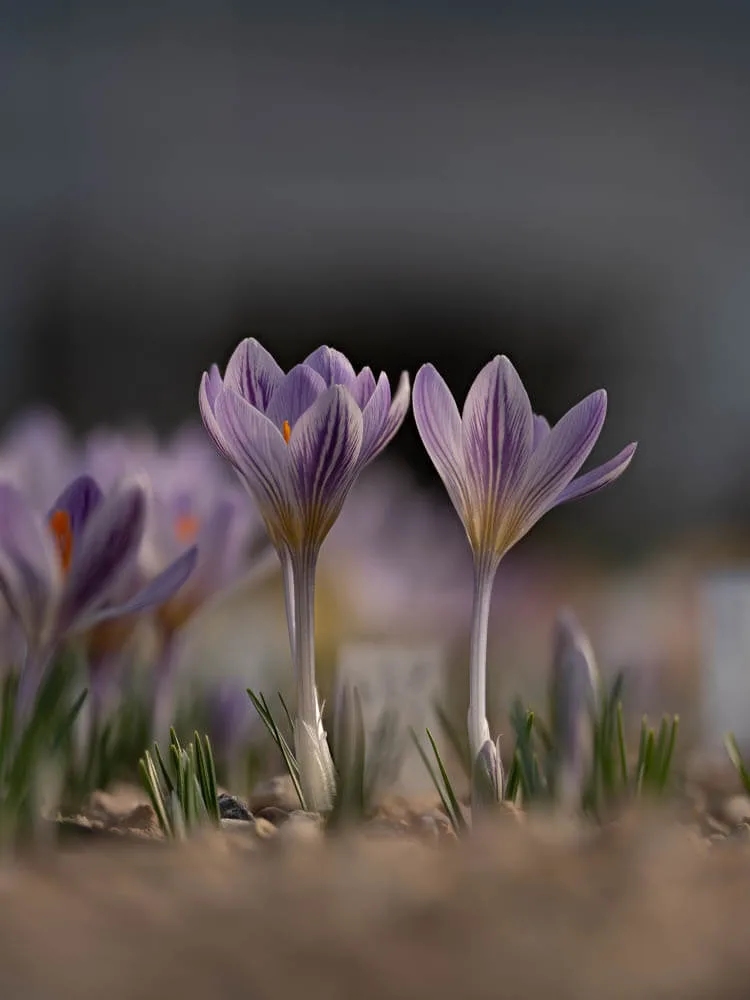
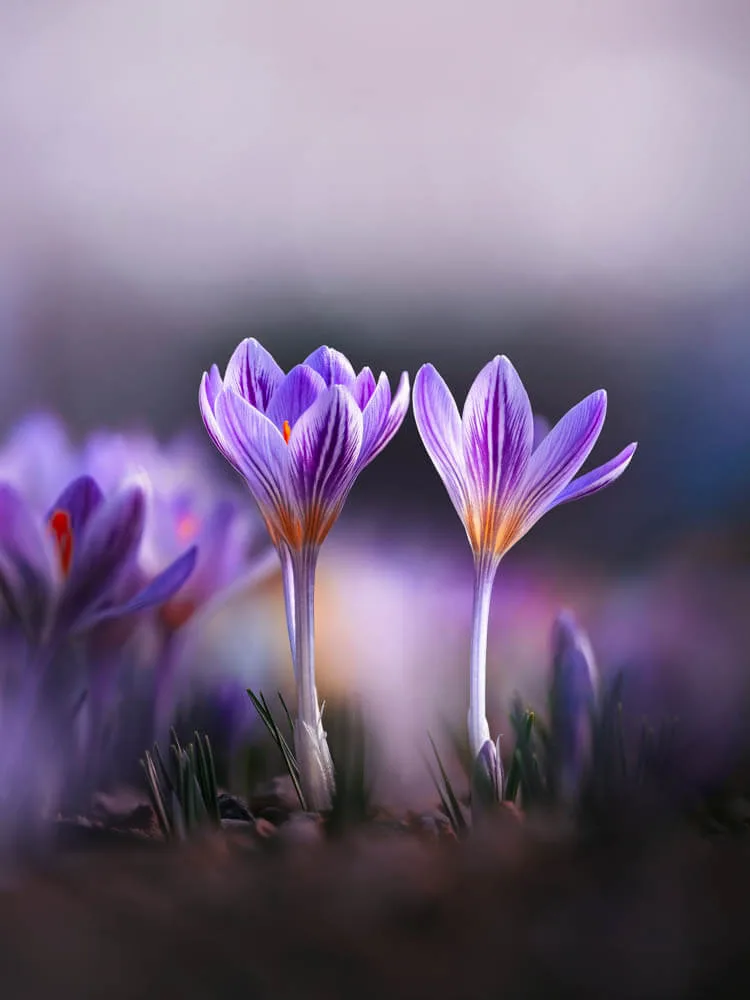 RAW
EDITED
RAW
EDITED
Learn to edit like this
On my Patreon I share step-by-step Lightroom and Photoshop editing tutorials, behind-the-scenes posts, shooting tips, and my presets, so you can create dreamy flower and macro edits of your own.
How to resize a photo
- 1Choose a photo from your phone or computer
- 2Pick the longest side: 1440 px, 2048 px, full size or your own number
- 3Set the quality and check the new file size
- 4Download your resized photo
Frequently Asked Questions
Is my photo uploaded?
No. Your photo is resized and compressed in your browser, on your own device. It is never sent anywhere, and nothing is kept after you close the page
Which size should I use for Instagram?
Instagram shows photos up to 1080 px wide and resizes bigger photos. 1440 or 2048 px on the longest side keeps your photo sharp with a much smaller file
Which quality should I choose?
85-92% looks the same as the original on most photos. Lower numbers make smaller files, but fine details and smooth skies can start to look blocky. The tool shows the new file size before you download
Can I make a photo bigger?
No. The longest side can go up to your photo's own size, because making a photo bigger only adds blur. Full size keeps the size and only compresses the photo
Are the camera settings kept?
Yes, while Keep camera data is on: the camera, lens, settings and date are copied into the new photo, and so is the location if your camera saved one. Turn it off to clear the EXIF data from your photo and export it without it
Which files can I resize?
You can upload JPG photos from any camera or phone, and PNG and WebP images. The new photo is always saved as an sRGB JPG, the colors Instagram and websites expect
What is Photo Resizer?
Photo Resizer makes a photo resolution and file size smaller without uploading it anywhere. You select the longest side, and the shortest side is adjusted automatically ensuring that the photo keeps its aspect ratio. You can pick the JPG quality to balance the file size and the detail.
When to resize a photo
- Instagram and other social media, which shrink big photos anyway
- A website or blog, where big photos load slowly
- Email and messages with a size limit
- For photo previews when you don't want to send someone the full resolution photo
- For sharing a photo without its location (when you turn off the camera data)
Key features
- Your photo never leaves your device
- Quick sizes 1440 and 2048 px, or any custom size
- Quality from 50 to 100%, with the exact new file size
- Camera data (EXIF) kept or left out
- Saved as an sRGB JPG, the colors Instagram expects
- Free, with no sign-up