
Photo tools
No sign-up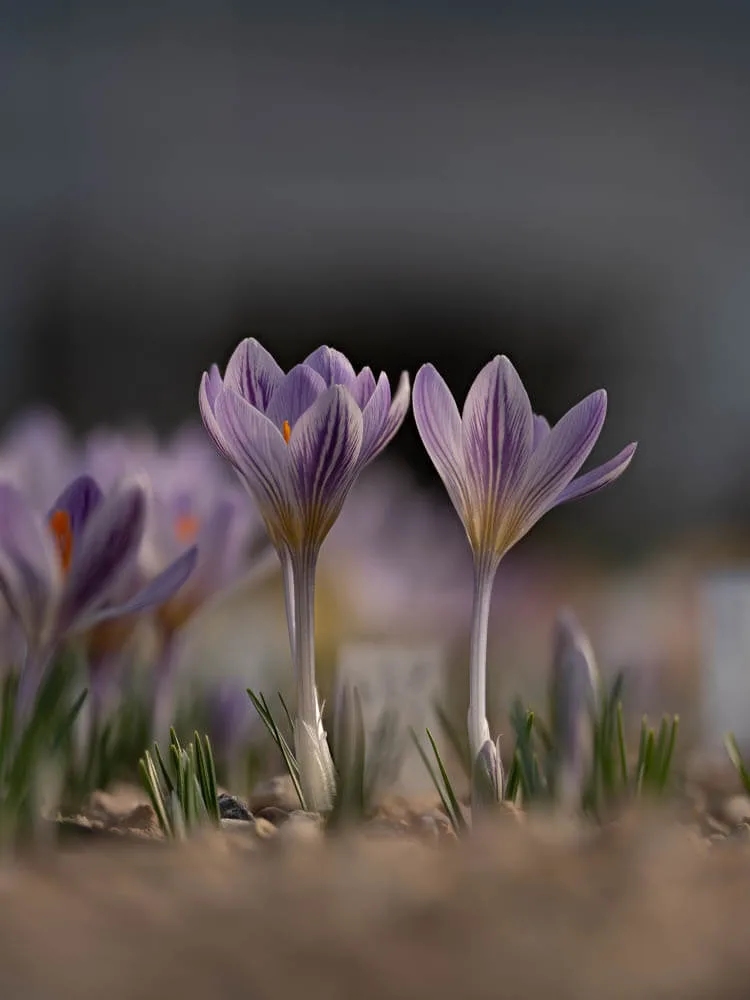
Before & After Collage
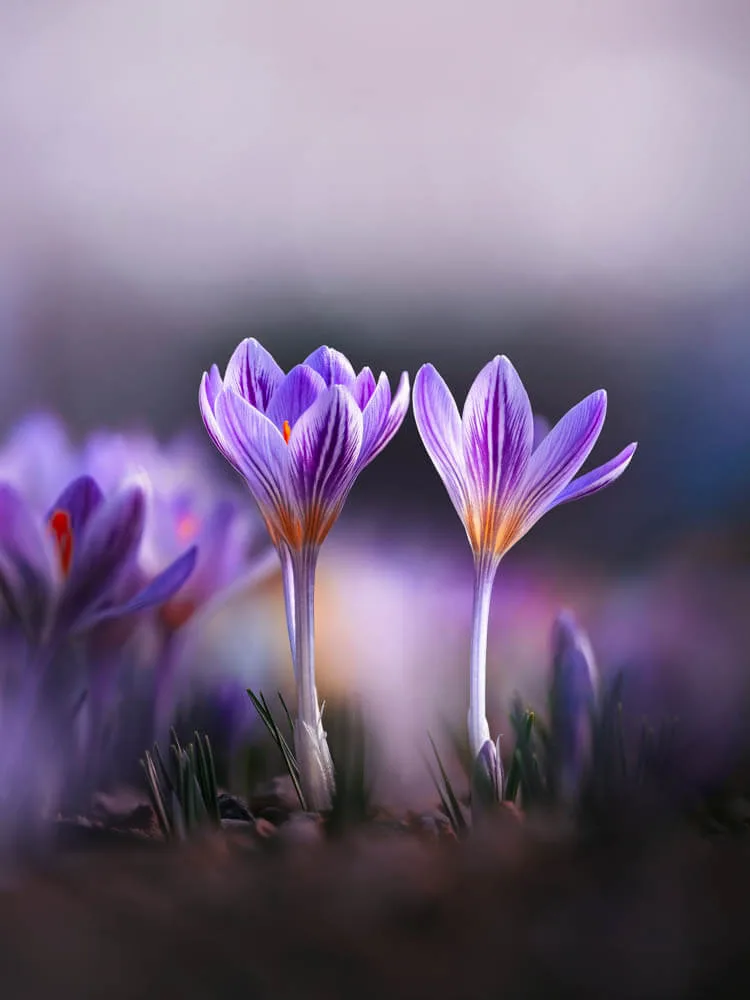
Combine your original and edited photos in a split collage. The photos are lined up automatically and you can choose between different divider styles and add Before & After labels
 1
2
1
2
Carousel Split
Turn a wide photo or a zoomed fragment of your photo into a seamless swipeable Instagram carousel to show your panoramas or close-up details
Premium features (more slides, curved dividers, label styles) can be tried by everyone, and are saved without a watermark for paid Patreon members
Lightroom presets for flowers and macro photography
 Free download
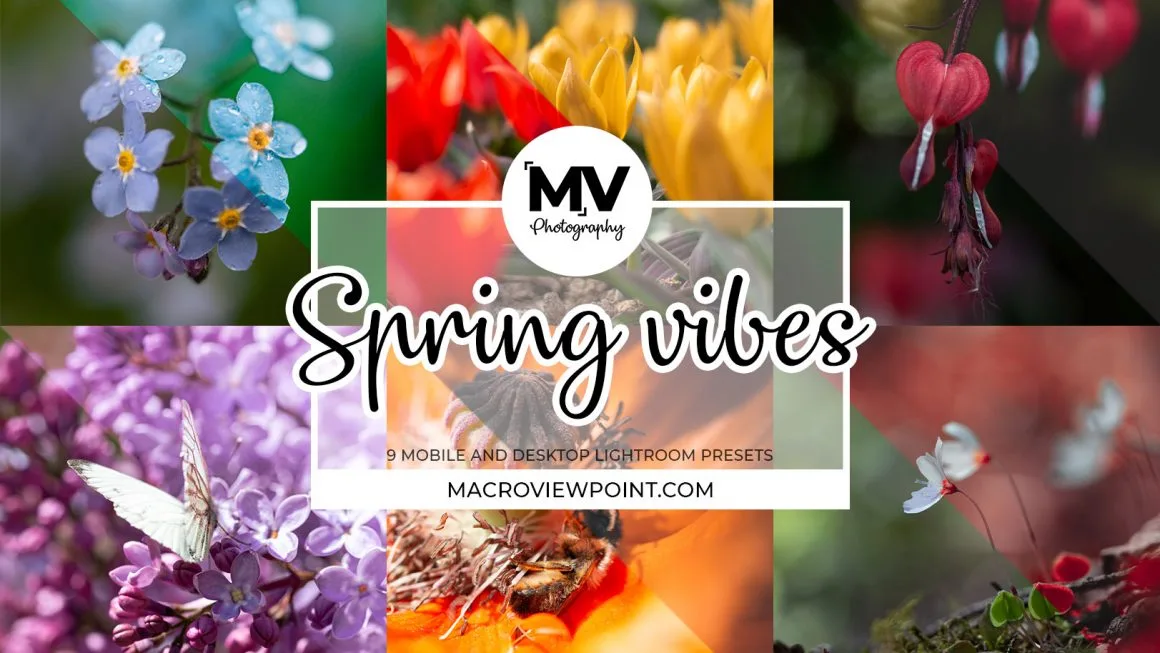
Start with Spring Vibes
Create soft, dreamy, moody, or vibrant edits with my Lightroom presets. Start with the free Spring Vibes pack for Lightroom mobile and desktop, or explore Floral Dreams, Creative Mood, and my seasonal collections.
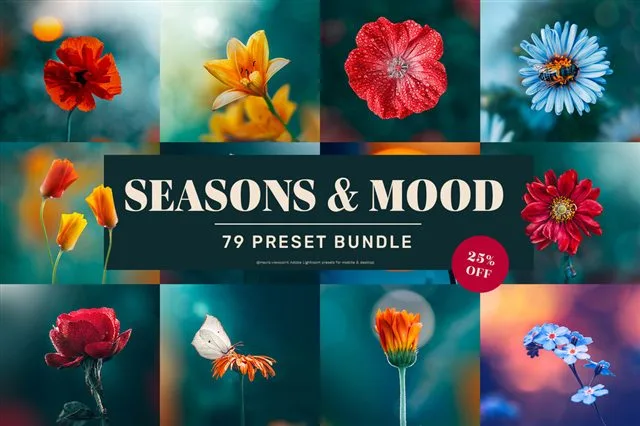
Seasons & Mood bundle
79 presets
25% off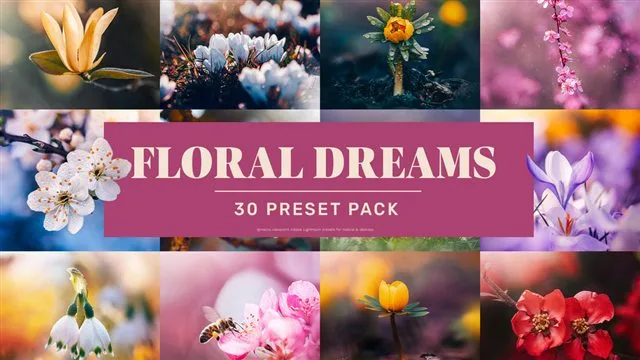
Floral Dreams
30+ presets
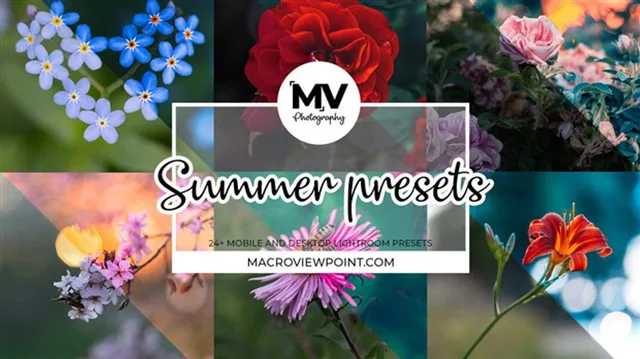
Summer
24+ presets
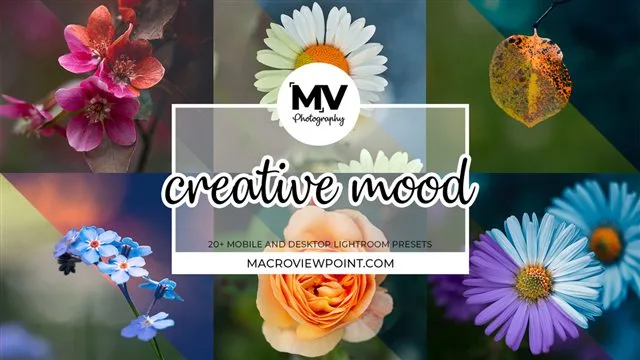
Creative Mood
20+ presets

Fall
12 presets

Winter
14 presets
Presets included with Patreon
Patreon members get my preset packs included in their membership and can download them monthly on the Rewards site
Frequently Asked Questions
Are my photos uploaded?
No, your photos don't leave your device. Both tools open and edit your photos locally in your browser, on your own device. Nothing is sent anywhere, and nothing is kept after you close the page
Do I need an account?
No, the tools work without signing in. Paid Patreon members can sign in with Patreon to save the premium features without a watermark
Do I keep the full size of my photos?
Yes. The tools work with your full-size photo, keep its camera details (EXIF) and save it as an sRGB JPG, the color space Instagram uses, so the colors look the way you edited them
Do the photo tools work on a phone?
Yes, both the Before & After Collage tool and Carousel Split tools are created to work like apps on a phone, and you can also use them on a computer in an adapted wide-screen layout

Made by a photographer, for photographers
I'm Kristine, the photographer behind @macro.viewpoint. I made these tools for my own Instagram posts: before and after collages to show my edits, and seamless carousels to show the details up close
Free photo tools for Instagram
Sharing before-and-after edits or turning wide photos into seamless swipeable Instagram carousels usually takes a few extra steps in a photo editor. These two tools make both tasks quicker, right from your phone or computer.
Before & After Collage
The Before & After Collage maker combines your original and edited photos into one image, separated by a straight or curved line. It automatically aligns both versions, even if you've cropped or straightened the edited photo. You can save the result in 3:4 or 4:5 format, ready to share on Instagram.
Carousel Split
The Carousel Split tool turns a wide photo into a swipeable Instagram carousel. It splits your photo into slides using exact Instagram dimensions, making sure the edges line up perfectly as you swipe from one slide to the next. Seamless swiping to show a wider photo or display the details of your photo closer.
Why you'll like these tools
- Free, with no sign-up
- Your photos never leave your device
- Full quality, with the photo's camera details kept
- Made both for phones and computers