
Or drop them here, a whole folder too. Photos, videos or any other files
New names
Photo info

 RAW
EDITED
RAW
EDITED
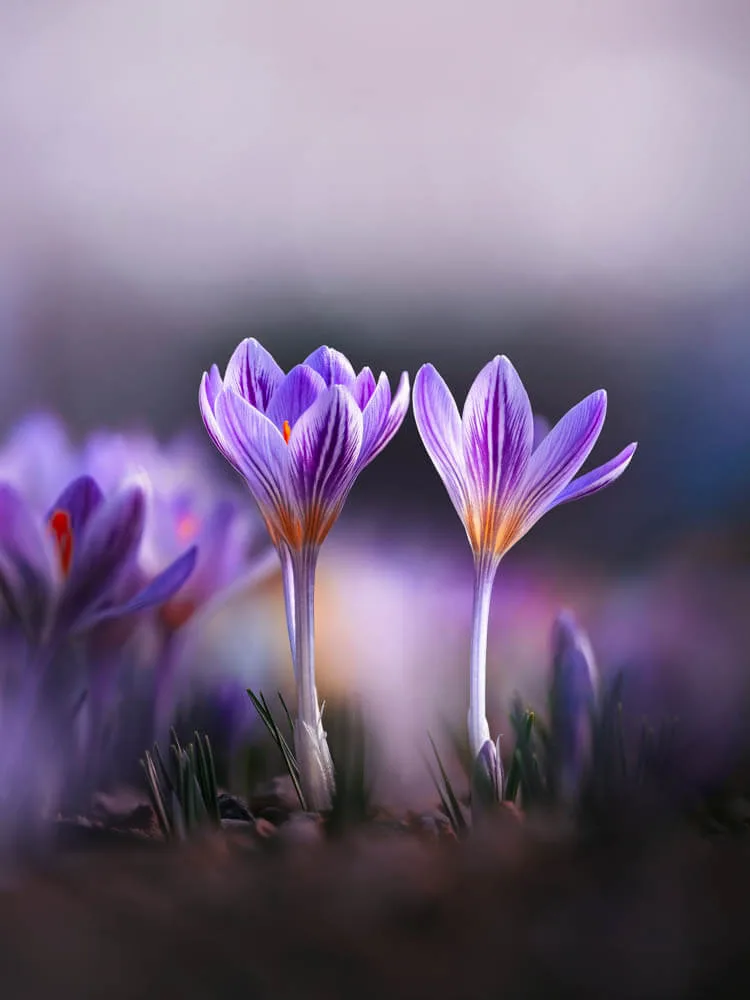
Edit your flower photos like this
Soft, dreamy, moody, or vibrant: my Lightroom presets are made for flower and macro photography. Start with the free Spring Vibes pack.
How to rename many files at once
- 1Choose your files or drop them on the page, a whole folder too
- 2Pick the order: by date taken, by name or random
- 3Type the new name and choose how the numbers look
- 4Download them all in a ZIP, or save them to a folder
Frequently Asked Questions
Are my files uploaded?
No. Batch Rename works in your browser, on your own device. Your files are never sent anywhere, and nothing is kept after you close the page
Are my original files changed?
No. You get renamed copies, in a ZIP or, in Chrome and Edge on a computer, straight into a folder you choose. Your original files stay as they are, and files already in that folder are never replaced
Can I rename videos and other files?
Yes, any type of file. Videos, RAW photos, documents and other files keep their contents exactly, byte for byte, and only get a new name. Photo info can be changed in JPG, PNG and WebP photos
How are files sorted by date?
Photos are sorted by the date they were taken, from their camera data. MP4 and MOV videos by the date they were recorded. Other files use the date they were last changed
Why add zeros in front of the numbers?
With 001, 002 and so on, files stay in the right order in every folder and app. Without the zeros some apps list 10 before 2. Type the first number the way you want them to look: 001 or just 1
What does Keep pairs together do?
Files with the same name but a different type, like a RAW photo and its JPG, or the photo and video of a Live Photo, get the same new name and number, so they still belong together
What does removing the location do?
No location removes the GPS position and place names from your photos, and keeps the camera, lens and settings. Remove all takes out all the camera data, but the photo keeps its colors and stays upright. The picture itself is never changed
How do I add my name as the photographer?
Open Advanced options, turn on Add my name and type your name. It is saved in your JPG, PNG and WebP photos as the creator and copyright, where Lightroom, Windows and most photo apps show it. Your name is remembered on this device for next time
How many files can I rename at once?
There is no fixed batch limit. Files are copied as they are, so even big videos are quick. A ZIP of many big files needs free space on your device
What is Batch Rename?
Batch Rename is a free file renamer that gives many files new names in one go, right in your browser. Put your photos in the order they were taken, give them one name with neat numbers, and download them together. For photographers, it can also remove the location from photos before sharing them, or add your name as the creator and copyright.
When to rename files
- Photos from a trip or a shoot, in the order they were taken
- Photos from several cameras or phones, put together by date
- Files for a client, a contest or a print shop
- Sharing photos without their location
Key features
- Your files never leave your device
- Any type of file: photos, RAW, videos, documents
- Order by date taken, by name or at random
- Numbers before or after the name, with zeros in front
- RAW and JPG pairs keep the same name
- Location removed or your name added in JPG, PNG and WebP
- Free, with no sign-up
More photo tools
Shrinkly Compressor Free
Make photo files smaller without changing their resolution
Photo Resizer Free
Make a photo resolution smaller in pixels for Instagram, your website or email
Photo Cropper Free
Crop, straighten and rotate a photo, like in Lightroom
Before & After Collage Free
Show your edit with the original and edited photo side by side