
Or drop them here. JPG, PNG or WebP, as many as you like
Settings
-
Waiting
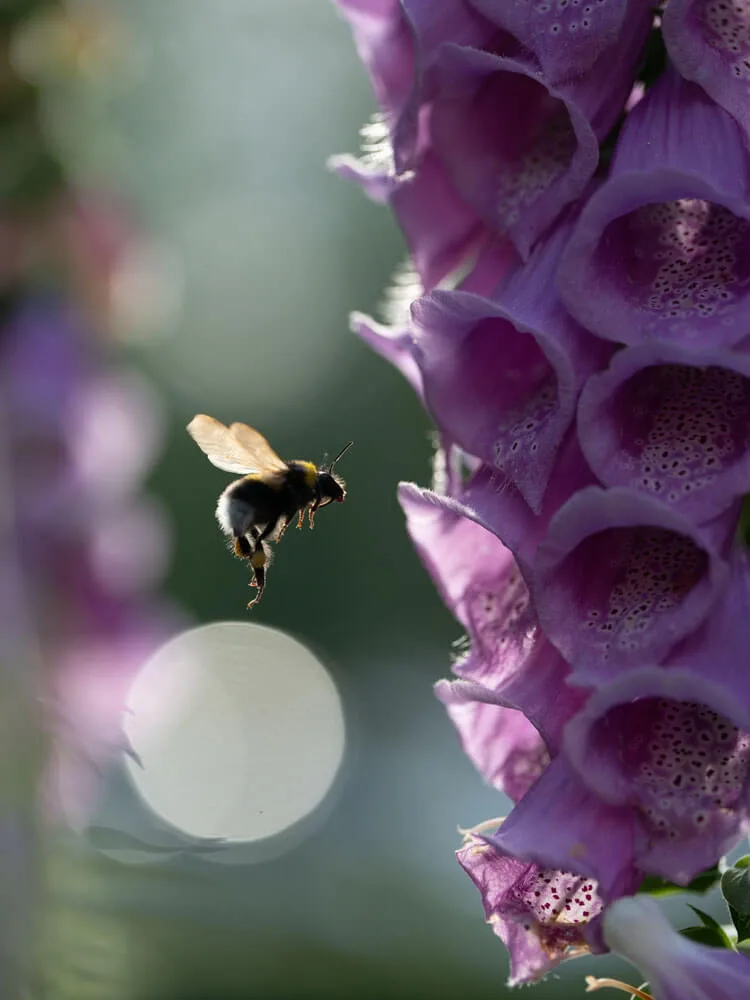
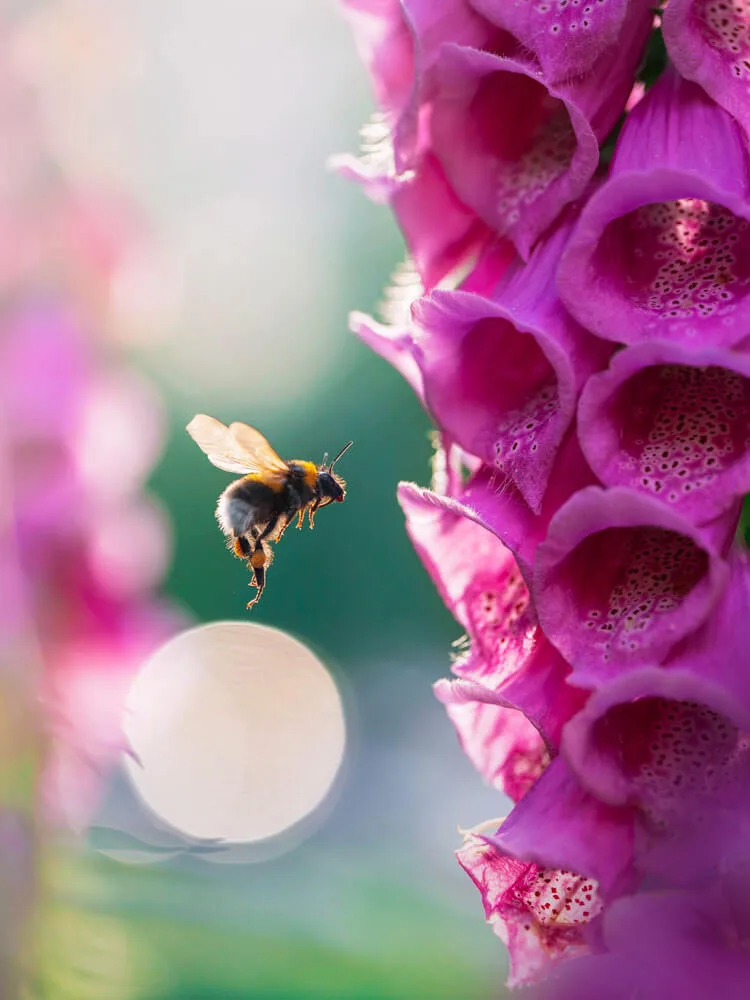 RAW
EDITED
RAW
EDITED
Edit your flower photos like this
Soft, dreamy, moody, or vibrant: my Lightroom presets are made for flower and macro photography. Start with the free Spring Vibes pack.
How to compress photos
- 1Choose your photos or drop them on the page, as many as you like
- 2Keep Smart compression, or pick your own quality with Custom
- 3Choose the format: the same as your photo, JPG or WebP
- 4Download the photos one by one, or all together in a ZIP
Frequently Asked Questions
Are my photos uploaded?
No. Your photos are compressed in your browser, on your own device. They are never sent anywhere, and nothing is kept after you close the page
How much smaller will my photos get?
It depends on the photo. Photos straight from a camera or phone often get 60-90% smaller. Photos that were already saved small get less, and a photo that can't get any smaller is kept as it was
What does Smart compression do?
Smart tests each photo at different qualities and picks the lowest one that keeps your photo looking good, so detailed parts stay sharp and soft backgrounds stay smooth. With Custom, every photo gets the quality you pick
Is the photo resolution changed?
No. Your photos keep their width and height in pixels, only the file gets smaller. To make a photo smaller in pixels too, use the Photo Resizer
Should I save as JPG or WebP?
JPG works everywhere, including Instagram and every app. WebP files are smaller and work on most websites and browsers, so it's a good choice for a website or blog
Are the camera settings kept?
Yes, in JPG photos while Keep camera data is on: the camera, lens, settings and date are preserved, and so is the location if your camera saved one. Turn it off to share photos without that data
How many photos can I compress at once?
As many as you like. Each photo shows its progress in the list and can be downloaded as soon as it's ready. Big photos take a few seconds each, and on a phone very big photos may not open if the phone runs out of memory
What is Shrinkly?
Shrinkly is a free photo compressor that makes your photo files smaller without uploading them anywhere. It uses the same image encoders as the best online compressors, MozJPEG for JPG, WebP and an optimized PNG encoder, right in your browser. Smart compression checks every photo and balances the file size and the detail for each one.
When to compress photos
- A website or blog, where big photos load slowly
- Email and messages with a size limit
- Sharing many photos at once in a ZIP
- Saving space on your phone, computer or cloud storage
Key features
- Your photos never leave your device
- Unlimited number of photos
- Smart compression for each photo, or your own quality
- Supports JPG, PNG and WebP formats
- Camera data (EXIF) kept or left out
- Downloaded one by one or in a ZIP
- Free, with no sign-up
More photo tools
Before & After Collage Free
Show your edit with the original and edited photo side by side
Carousel Split Free
A wide photo as a seamless swipeable Instagram carousel
Photo Cropper Free
Crop, straighten and rotate a photo, like in Lightroom
Photo Resizer Free
Lower the resolution of a photo for Instagram, your website or email